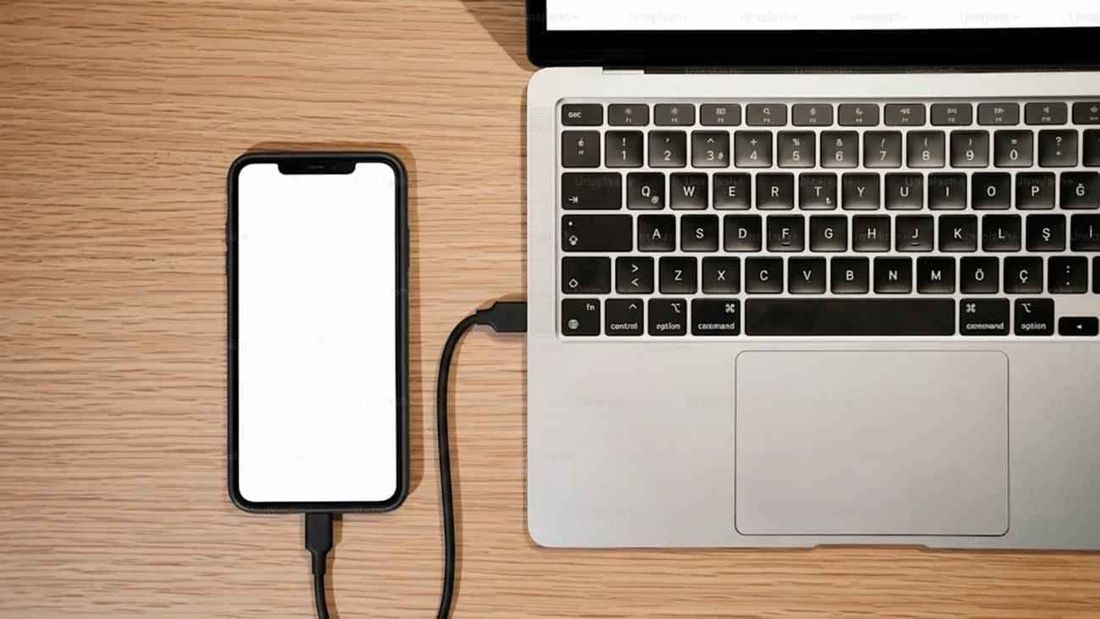
Some computers can charge phones through their USB ports even after being shut down, thanks to a feature known as “Always On,” which allows certain ports to continue supplying power to connected devices.
According to a report published by Engadget, the feature has different names depending on the manufacturer. Lenovo calls it “Always On,” while Dell refers to it as “PowerShare.” On other devices, it may be indicated by a battery symbol or a lightning bolt icon next to the USB port.
How Can You Check Whether Your Computer Supports This Feature?
You can test the feature by connecting your phone to a USB port, shutting down the computer, and checking whether charging continues. You can also consult the device's manual to identify which ports support this function.
If charging stops, the feature may not be enabled. On some computers, its settings can be changed through the BIOS or UEFI. To do so, restart the computer and press the designated key to enter the settings, such as F2, Delete, or F10.
Next, look under the “Advanced” or “Power” menus for an option that allows USB ports to supply power while the computer is shut down. Enable it and save the changes.
You may also need to disable power-saving options such as “ErP” or “Deep Sleep,” as these can prevent USB ports from receiving power after the computer is turned off.
Why Does Charging Stop After the Computer Is Shut Down?
One of the main reasons is power-saving settings that cut off electricity to certain components when the computer shuts down. For example, enabling the “ErP Ready” option on some ASUS NUC computers may disable power to their USB ports.
On laptops, USB charging may stop when the battery level drops below a certain threshold. Some models may also require the laptop to be connected to its charger for the feature to work.
Can You Transfer Files While the Computer Is Shut Down?
No. The “Always On” feature only allows the USB port to continue supplying electrical power; it does not keep the data connection active. This means your phone can continue charging while the computer remains shut down, but you cannot use the connection to transfer photos or files.
The feature's capabilities vary depending on the computer model and its settings, so it is advisable to consult the manufacturer's manual before using it.