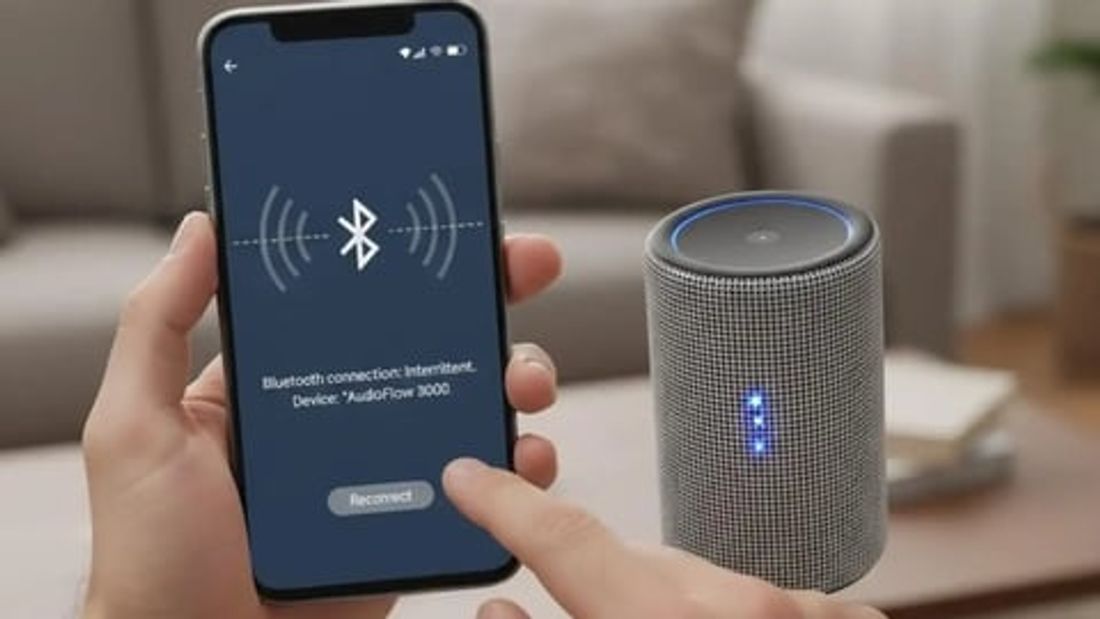
You are walking through a crowded metro station or sitting in a busy café, listening to music through Bluetooth headphones, when suddenly the sound cuts out for a few seconds before returning, only for the problem to happen again several times.
You look at your phone and find it in your pocket or in your hand, no more than a few centimeters away from your headphones. You wonder how the signal could weaken despite such close proximity.
In most cases, the problem may not lie with the phone or the headphones themselves, but rather with the surrounding wireless environment. Crowded places can become saturated with overlapping wireless signals competing to use shared frequency bands, potentially affecting the stability of Bluetooth connections.
𝗦𝗶𝗴𝗻𝗮𝗹 𝗖𝗼𝗻𝗴𝗲𝘀𝘁𝗶𝗼𝗻
Bluetooth technology relies on radio waves to transmit data between phones and headphones. Most Bluetooth connections operate in the 2.4 GHz frequency band, which is also used by Wi-Fi networks and many other wireless devices.
In crowded places such as airports, train stations, and shopping malls, the number of phones, headphones, wireless routers, and smartwatches increases, resulting in greater signal traffic across the same frequency band.
Simultaneous transmissions may cause some digital packets to interfere with one another or become lost, resulting in audio dropouts, transmission delays, or temporary disconnections.
𝗢𝘃𝗲𝗿𝗰𝗼𝗺𝗶𝗻𝗴 𝗜𝗻𝘁𝗲𝗿𝗳𝗲𝗿𝗲𝗻𝗰𝗲
Bluetooth does not rely on a single fixed frequency throughout a connection. Instead, it uses a mechanism known as Adaptive Frequency Hopping, which allows it to switch between multiple frequency channels and attempt to avoid those experiencing high levels of interference.
This mechanism helps improve connection stability and reduce the likelihood of data loss. However, it cannot guarantee that interruptions will be completely prevented, particularly in extremely crowded environments or places with heavy wireless activity.
𝗖𝗼𝗻𝗻𝗲𝗰𝘁𝗶𝗼𝗻 𝗤𝘂𝗮𝗹𝗶𝘁𝘆
Although keeping the phone close to the headphones generally reduces signal weakness caused by distance, it does not eliminate the effects of wireless interference.
Other factors may also affect connection quality, including metal objects, thick walls, the way the phone is positioned, and the design of the antennas inside the headphones.
Keeping the phone inside a bag or a pocket crowded with electronic devices may also affect the signal path, particularly when physical obstacles combine with wireless signal congestion.
𝗕𝗮𝘁𝘁𝗲𝗿𝘆 𝗮𝗻𝗱 𝗦𝗼𝗳𝘁𝘄𝗮𝗿𝗲
Not every audio interruption is related to wireless interference. The problem may result from low headphone battery levels, a pairing issue between the two devices, or outdated firmware.
Certain operating system issues or having multiple devices connected to the phone may also disrupt the connection. Therefore, it is important not to assume that a crowded environment is the only possible cause.
𝗠𝗮𝗶𝗻𝘁𝗮𝗶𝗻𝗶𝗻𝗴 𝗮 𝗦𝘁𝗮𝗯𝗹𝗲 𝗖𝗼𝗻𝗻𝗲𝗰𝘁𝗶𝗼𝗻
The likelihood of audio interruptions can be reduced by following a few simple steps, most notably keeping the phone close to the headphones and avoiding placing it behind metal objects or inside a thick bag.
It is also advisable to update the phone's operating system and the headphones' firmware, re-pair the two devices if the problem persists, and ensure that the battery is sufficiently charged.
Trying the connection in another location may also help determine whether the problem is related to the surrounding wireless environment or to the phone and headphones themselves.
𝗡𝗲𝘄𝗲𝗿 𝗕𝗹𝘂𝗲𝘁𝗼𝗼𝘁𝗵 𝗚𝗲𝗻𝗲𝗿𝗮𝘁𝗶𝗼𝗻𝘀
Bluetooth technology continues to evolve to improve data transmission efficiency and its ability to handle interference. However, the growing number of wireless devices remains a technical challenge.
Ultimately, connection quality depends on several factors, including the Bluetooth version, antenna design, signal strength, interference-processing efficiency, and the characteristics of the environment in which the device is being used.
In conclusion, Bluetooth headphones cutting out even when the phone is nearby is not a contradiction.
The problem is not determined by distance alone, but also by wireless signal congestion, surrounding obstacles, and device performance.
Maintaining a stable connection therefore requires more than simply keeping the phone close to the headphones.
𝗦𝗼𝘂𝗿𝗰𝗲: 𝗘𝗿𝗲𝗺 𝗡𝗲𝘄𝘀